
Fixes / Outgrown Spreadsheets
You didn’t start the business to maintain a spreadsheet.
Inventory counts wrong by the time anyone reads them. I’ll tell you honestly whether that needs custom software or an off-the-shelf tool.
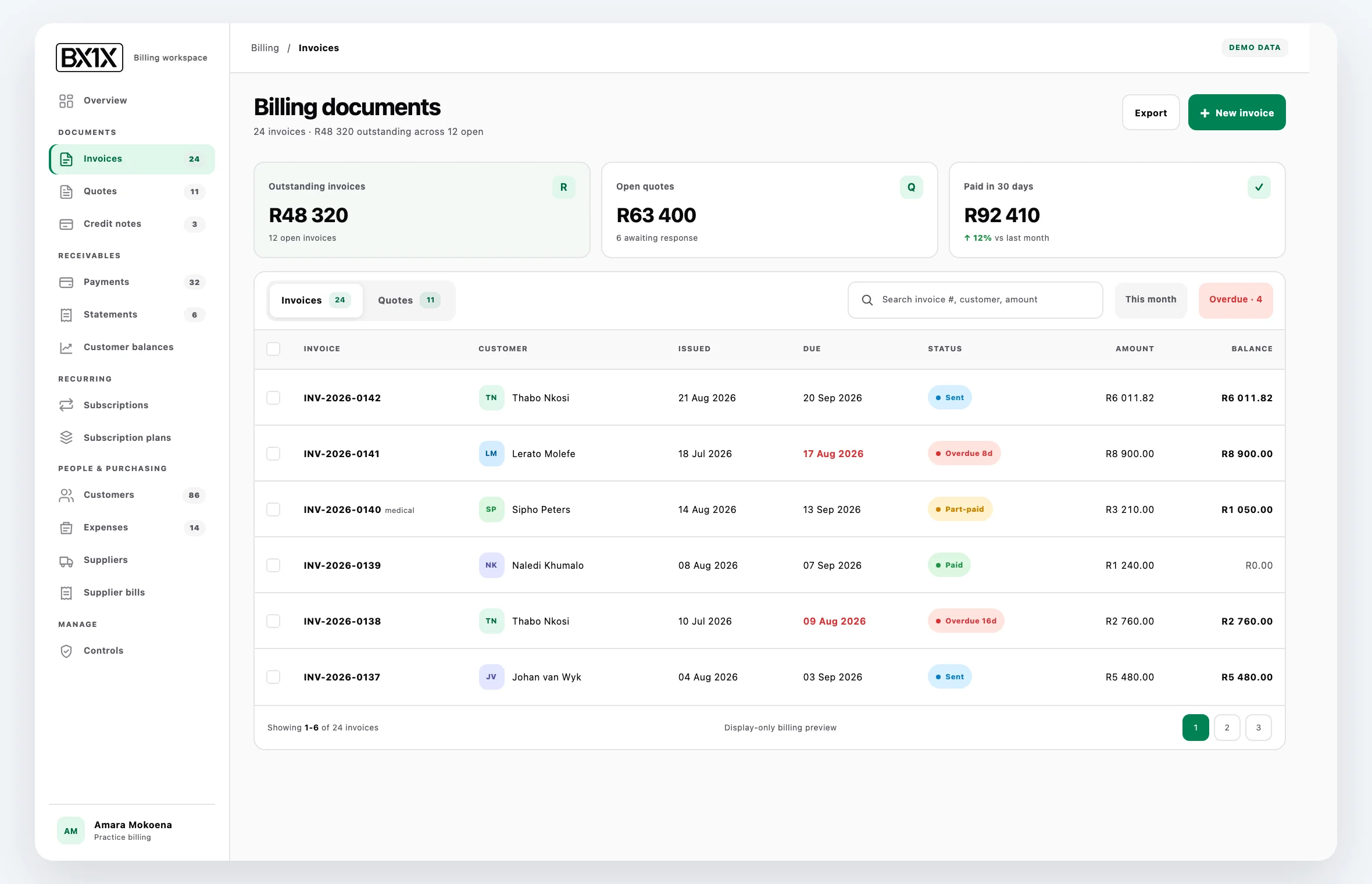
Signs you have outgrown your spreadsheets.
You are reading the right page if you recognise three or more.
One person owns the spreadsheet
They built it over months or years. They know which cells to never touch. If they leave, the business has a serious problem.
Three versions floating around
Sales has their copy. Operations has a different copy. Finance downloaded one last week. “Which is the latest?” is asked weekly.
Reporting takes hours
A simple question (“how many orders did we do last month?”) needs a pivot table, cleaned data, and a half-day of building.
You cannot see what is happening right now
Spreadsheets show you what someone last entered. They do not show live inventory, overdue orders, or queues waiting for someone out today.
Three things that look like the answer but are not.
Adding more spreadsheets
The solution to a spreadsheet that is too complex is never another spreadsheet. The cross-references multiply, lookups across folders become load-bearing, and breaking one breaks several.
Buying an off-the-shelf SaaS that almost fits
When the SaaS fits, use it. When it does not, you spend more time working around the tool than working in it. The “almost fit” SaaS is the most expensive option in disguise.
“Just hire a virtual assistant”
You have moved the data-entry problem to a person. The error rate stays. The reporting still takes hours. The single-point-of-failure now has a different name.
Where the spreadsheet failure lives.
How it starts, and what it costs.
Spreadsheet-to-system engagements start with a private fit review to understand the actual workflow, not just the spreadsheet that is trying to model it.
- Private fit review:confirm the problem, users, current process and whether custom work is appropriate.
- Paid discovery when needed:map the workflow, data model, integration feasibility and access, and user roles before implementation is quoted.
- Build path:custom internal tool (smallest), dashboard plus internal tool (medium), or operations platform (largest, BX1X-shaped).
- A privately quoted first piece:agree scope, dependencies, what’s actually included and the next sensible expansion before implementation starts.
- Agreed handover:source-code access, data responsibilities, documentation and the path to extend the system are written into scope.
Routed to Villiers Vision Works for larger system work.
Anton handles the fit review and design directly. For larger multi-module builds, the engagement runs through VVW (Villiers Vision Works), the company that operates BX1X, a multi-tenant production platform with more than 37 modules.
For your technical person
Private fit review and paid discovery
The fit review confirms the problem, users, current process and whether custom work is appropriate. When uncertainty prevents a responsible implementation quote, paid discovery maps the remaining boundary: workflow, data model, integration feasibility and access, and user roles.
Build path
Custom internal tool (smallest), dashboard plus internal tool (medium), or operations platform (largest, BX1X-shaped).
Handover
Source-code access, data responsibilities, documentation and the path to extend the system are written into scope before implementation starts.
Questions owners ask.
How do I know whether to buy off-the-shelf or build custom?
A private fit review starts with the workflow, users and constraints. If an off-the-shelf product is the better fit, I will say so. If the process is specific or the integrations are deep, paid discovery may be the responsible next step before a build is quoted.
How long does a typical first build take?
Timing is quoted privately after the workflow, access, dependencies and what’s actually included are understood. If uncertainty prevents a responsible quote, paid discovery comes first.
Will I keep the code?
The agreed scope records source-code access, data responsibilities and documentation handover. Those terms are clear before implementation starts.
Can it integrate with our existing tools (Xero, Stripe, Shopify, Mailchimp)?
Potential integrations are reviewed for feasibility, access, data direction and failure handling. Only the first working piece enters the private quote.
What happens to our existing spreadsheet during the build?
It stays in use. We migrate one workflow at a time. The spreadsheet is retired only when the new system has proven out for that workflow.
Do you take over from another developer?
Yes. The discovery includes a handover review and a continuation plan.
Related help.
Tell me what your spreadsheet is doing and where it is failing.
+27 87 150 9305Monday to Friday, 09:00 to 20:00 SAST. Or email info@antondevilliers.com.