Authentikor: Prove it is really from you.
Authentikor issues a unique code for emails, invoices, contracts and other documents, and a seal to the businesses it has verified, for their documents and their website. It also runs managed email signatures and banners. Anyone can check a code, a seal or a website at authentikor.co.za/verify.
How it works.
Nothing to install for the person checking, in any country.
Issue a code
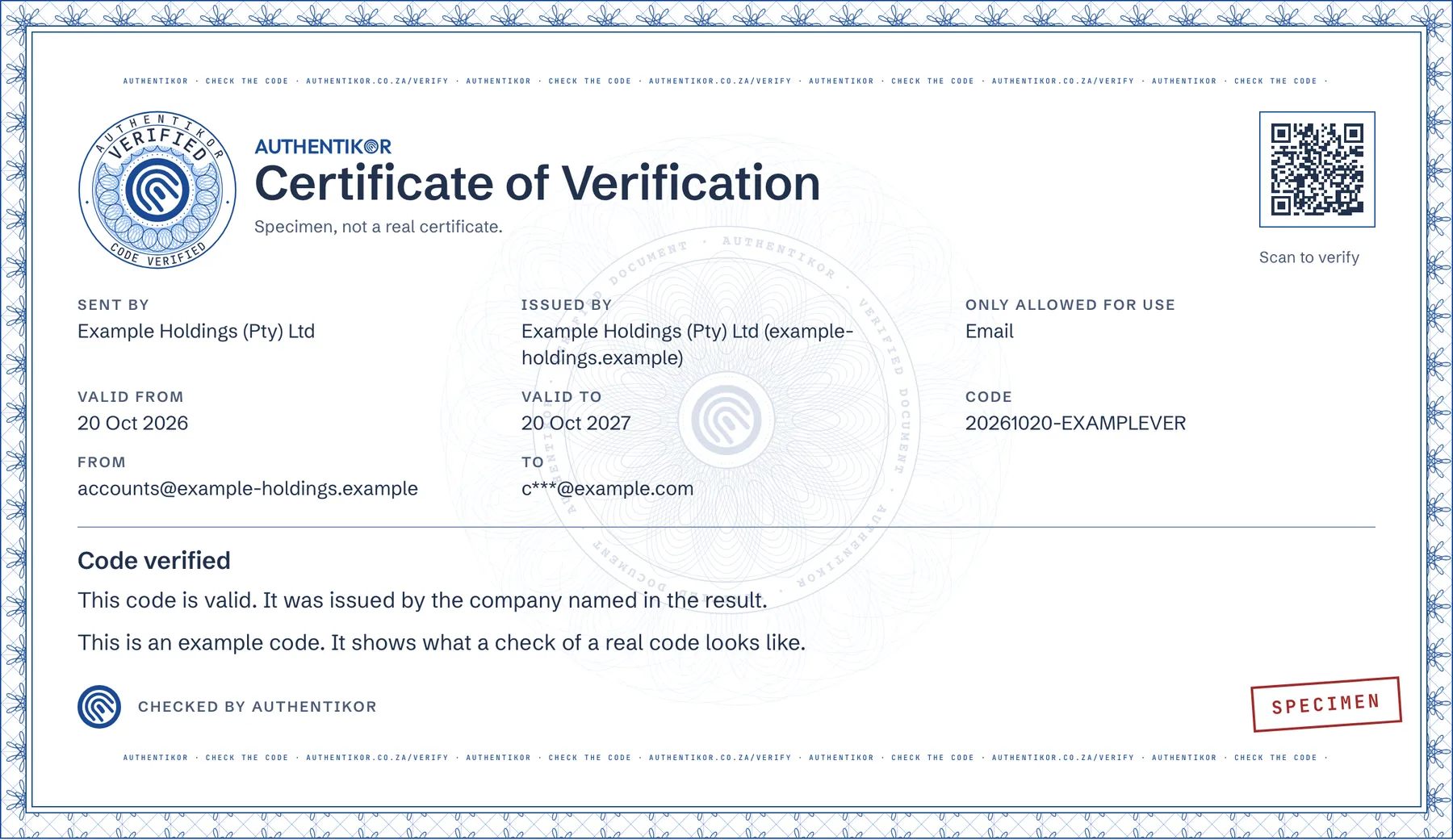
Authentikor makes a unique code and QR code for each item.
Send it
The code goes on your email or document.
They check it
Your client opens authentikor.co.za/verify and types the code. They see who issued it and whether it is valid.
AI can fake a message. It can’t fake the record.
Authentikor doesn’t judge how a message looks. A real message carries a code or seal that leads to the sender’s record in the Authentikor Vault. A fake has none, or its check shows what the code was really issued for.
- A changed document. The check shows what the record was issued for: the original invoice number, the amount and the last digits of the bank account.
- A wrong sender. For an email, the check shows the sender address and the recipients, masked. A message from any other address doesn’t match.
- Two documents mixed. If the seal, the QR code and the printed code on one page lead to different records, the check says so.
If nothing is found, that never means the document is fake. Phone the sender on a number you already trust.
What Authentikor issues.
 Verified sender - Authentikorauthentikor.co.za/verify →Scan, click or type
authentikor.co.za/verify →Verification codes and seals
A unique code and QR code on each email or document, and a seal that names the verified business behind it. Your client clicks, types, scans or drops in the file to check it.
More on authentikor.co.za about Verification codes and seals (opens in a new tab)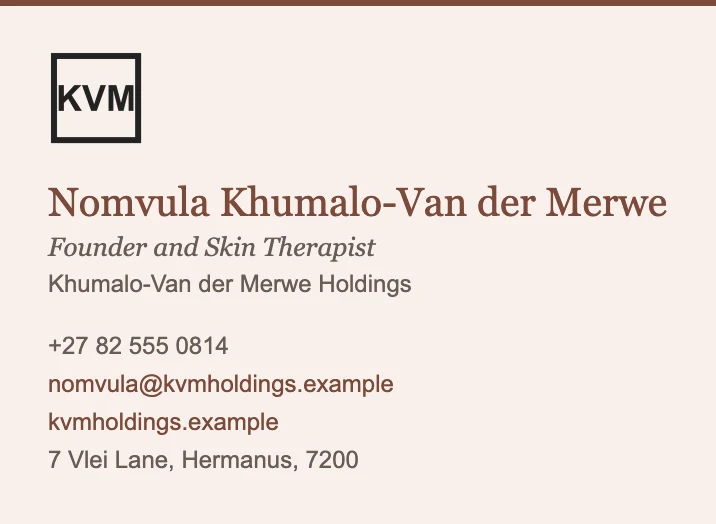
Email signatures and banners
Choose a template or use your own HTML design, managed for each person. Campaign banners carry your message, with your own start and end dates and times.
More on authentikor.co.za about Email signatures and banners (opens in a new tab)
Website verification
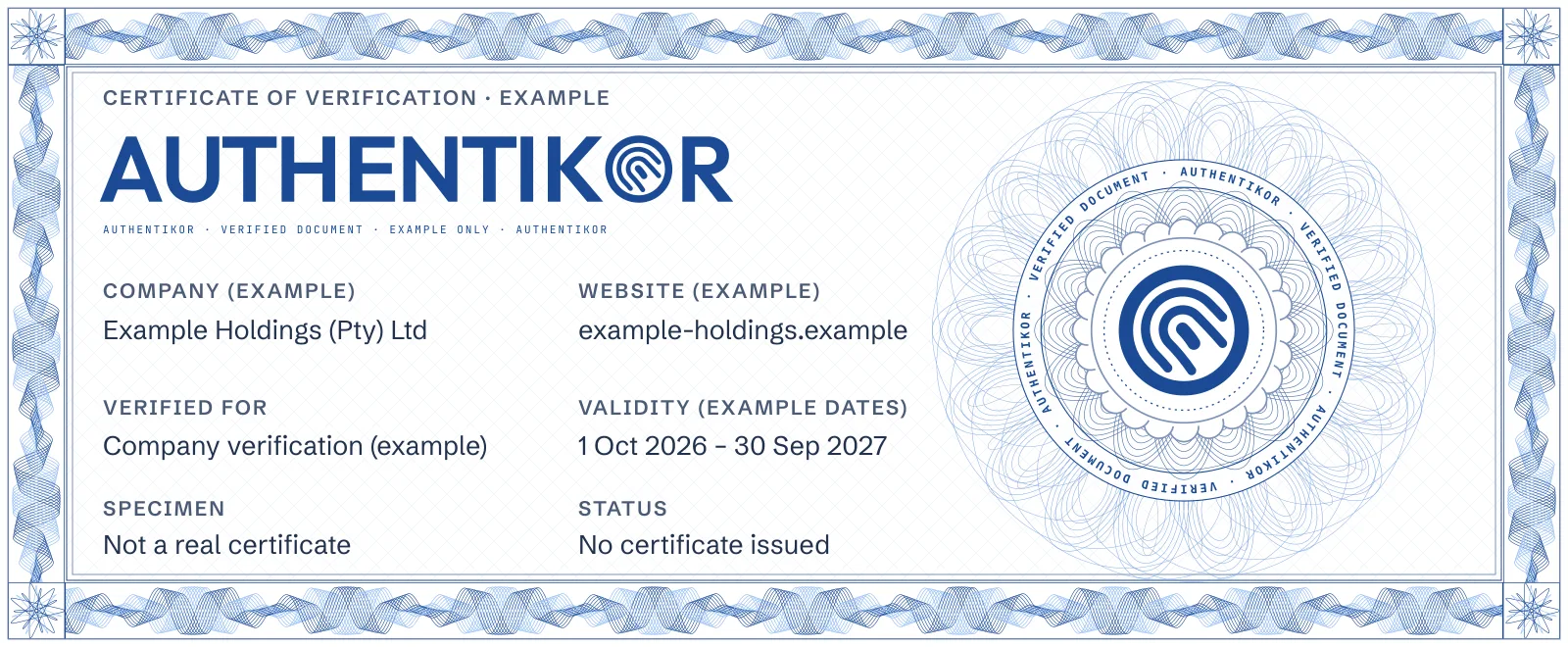
Show visitors which verified company is behind your website. Prove control of your domain and display a seal that links to the company’s verification details and current status.
This site carries one: the seal in the footer links to my own verification record.
More on authentikor.co.za about Website verification (opens in a new tab)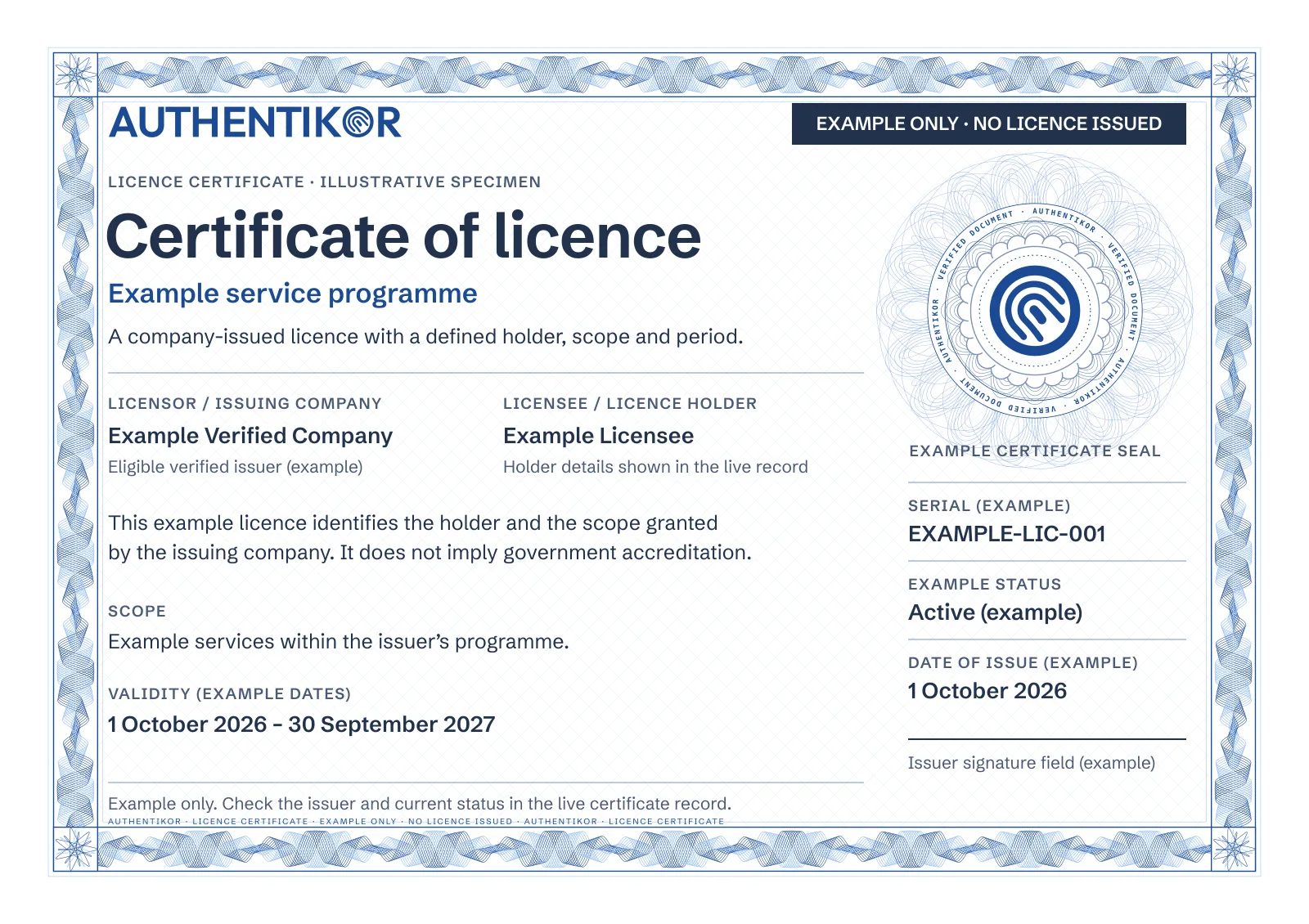
Licence certificates
Eligible verified companies can issue licence certificates to their licensees, set their scope and validity, and manage their status. Recipients check the issuer and current status on a public page.
More on authentikor.co.za about Licence certificates (opens in a new tab)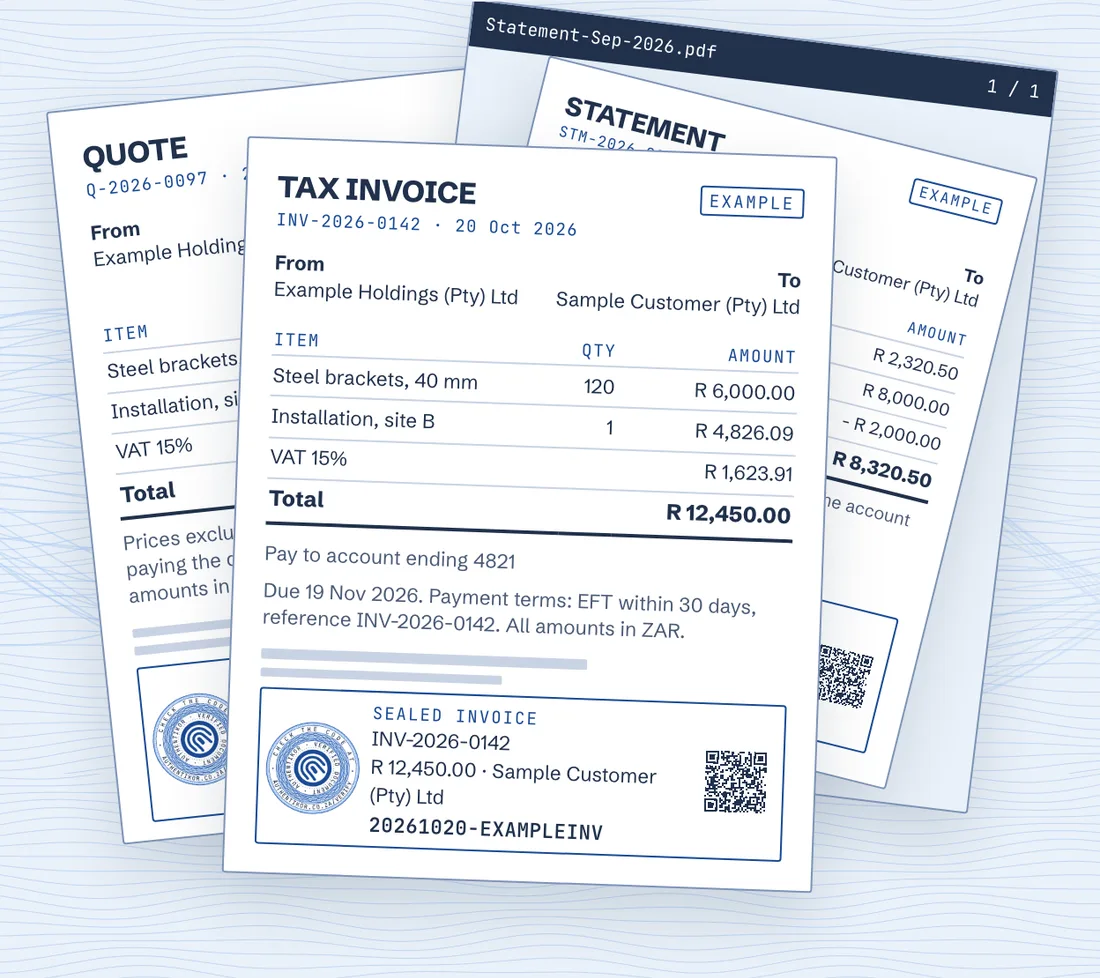
Document sealing
A seal and a code for each PDF and financial document: quotes, invoices, pro forma invoices, statements and credit notes. An add-on to a plan, or on its own.
More on authentikor.co.za about Document sealing (opens in a new tab)
What if someone copies the seal?
Let them. A copied seal still opens the original record, so the check shows what that seal was really issued for.
Pasted onto a changed invoice, the mismatch is the first thing your client sees.
Why I built Authentikor.
Fraud now arrives as convincing emails, invoices and contracts, and AI makes them look exactly like the real thing. The person receiving one has had no easy way to check it before they pay or act.
I started building Authentikor in November 2022 to give them one: a code or seal that leads back to the sender’s own record. I decide what it checks and what a result shows, and it never claims more than the record proves.
Anton de Villiers, founder and product owner. Read my story
Questions about Authentikor.
What is Authentikor?
A way to prove that an email, a document or a website really comes from your business. Each one carries a code or seal that anyone can check at authentikor.co.za/verify.
Who makes Authentikor?
Authentikor is designed and built in Cape Town, South Africa.
How does someone check a code or seal?
Five ways: click the banner or link in the email, type the code at authentikor.co.za/verify, point a phone camera at the QR code, give the file check a photo or screenshot of the seal, or drag in a PNG, JPG or PDF. Every way leads to the same record.
Can businesses outside South Africa use Authentikor?
Yes. Authentikor is available to businesses in South Africa and internationally, and anyone, anywhere, can check a code, a seal or a website at authentikor.co.za/verify in a web browser.
Does the person checking need an app or an account?
No. A phone camera or any web browser is enough.
Do campaign banners carry verification codes?
No. Campaign banners promote a campaign, notice, service or offer. Verification codes and seals are separate.
How do I start using Authentikor?
Request a demo at authentikor.co.za/contact. Packages and what they include are at authentikor.co.za/pricing.
See Authentikor on your own documents.
Or call +27 87 150 9305, Monday to Friday.
Need software built around it, or something else entirely? Tell me the problem.